An AdUncovered guide | Updated 27 October 2026
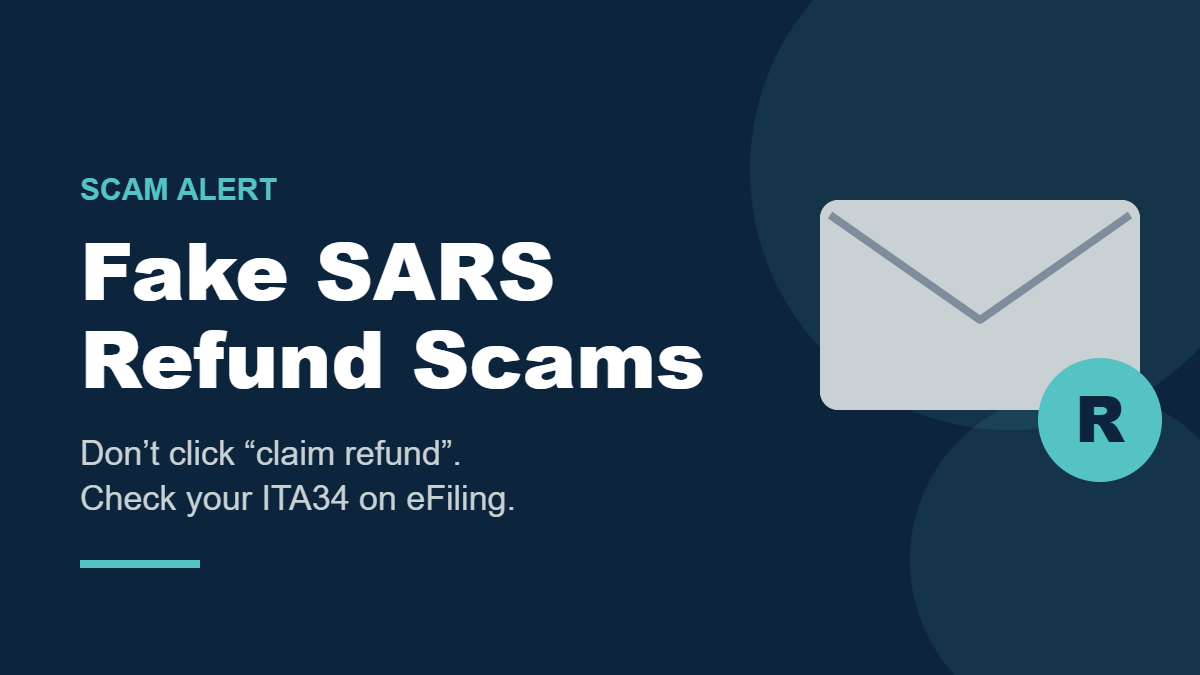
A fake SARS refund message says SARS owes you money and invites you to click a link to claim your refund. It may look official, use convincing tax language and show a specific amount.
This scam is active in South Africa. In July 2026, SARS warned about SMSs and emails telling people they were owed a refund and directing them to a fraudulent website. One example claimed the recipient was due R48,900. SARS also warned that scammers were using AI to make email templates look more professional. SARS repeated the warning in its October 2026 tax digest. SARS’s July scam alert SARS’s October tax digest
How the fake SARS refund scam works
The message usually urges you to follow a link to “claim,” “release” or “process” a refund. The link leads to a fake SARS or eFiling page. It may ask you to enter your tax number, eFiling username and password, banking details or one-time PIN.
Fake pages may also ask for banking details. If you enter banking credentials or approve a transaction, scammers may access your account. Criminals may also use stolen information to take over an eFiling profile and change the bank account linked to a genuine refund. Southern African Fraud Prevention Service (SAFPS)
AI makes the message more polished
SARS specifically warned that scammers were using AI to create professional-looking email templates. A fake SARS refund message with correct spelling, convincing tax terms and SARS branding can still be fraudulent.
The important point is not whether a message “looks like AI.” It’s whether the refund appears in your own SARS profile and whether you reached that profile through an official channel. Don’t use the link in the message to check.
A genuine refund should appear in your assessment
SARS does issue legitimate refunds. Your Notice of Assessment, or ITA34, shows whether you are due a refund. SARS says to access it through eFiling, the SARS MobiApp or other authorised SARS digital channels. A minus before the final amount on the ITA34 indicates that SARS owes you money. SARS Filing Season 2026 guidance
So don’t ignore a possible refund—but verify it by opening the SARS website or app yourself and checking your assessment.
What to do if you get a fake SARS refund message
- Don’t click the link or open an attachment.
- Don’t reply or provide your tax number, eFiling password, banking details, card details, PIN or OTP. SARS says it will never ask for eFiling credentials, passwords, one-time PINs or banking PINs by email, SMS, social media or telephone. SARS scam guidance
- Check eFiling or the SARS MobiApp directly. Type the official address yourself or open the app you already use. Check your ITA34 and refund status there.
- If the assessment isn’t clear, contact SARS through contact details on its official website. Don’t use a number or link supplied in the message.
- Report suspicious emails to SARS IT Security at phishing@sars.gov.za. SARS also advises deleting and blocking refund scam messages. SARS scam alert
An email address that appears to end in @sars.gov.za isn’t enough on its own to prove a message is genuine. Scammers can make communications appear official. Verify the refund in your account.
If you clicked or entered information
If you opened the page but didn’t enter information or download anything, close it and don’t continue.
If you entered your eFiling password, change it through the official SARS site or app, then check your profile and banking details for changes you don’t recognise. If you provided bank credentials, an OTP or approved a transaction, call your bank’s fraud line immediately using the official app or the number on your card. Notify SARS and report the incident to SAPS. Our guide How to Report a Scam in South Africa lists who else to contact. SAFPS also advises contacting your bank and SARS promptly if you think your tax profile or refund has been compromised. SAFPS guidance
The safe rule
Don’t claim a SARS refund through a link in an unexpected SMS or email. Check the refund in your own SARS profile. A specific amount, even one that looks plausible, is not proof that the message is genuine, and a fake SARS refund often quotes one.
Check before you pay
About to pay a seller or business you don’t know? Start with a Free Quick Check of the advert link. It screens for common warning signs and shows where each result came from.
If you need the seller researched, a Quick Report or Comprehensive Report brings together source-linked Search Results on the seller and the offer. Neither gives a verdict: you check the sources and decide for yourself.